Switching from Nara Baby
Keep the Care Log, and the Memories Around It.
Import your Nara Baby history, and every feed, nap, diaper and first lands in your child's story.
Then add the photos and the little moments beside them. One private story, by the day and by your child's age.
Start your child's storyThe feed before a hard night, the week the naps settled, the first tooth. Your log holds more than numbers. It deserves to come with you.
How to switch
Four Steps, Nothing to Retype
One file per child, and their name and birthday come with it.
-
01
Export From Nara
On Nara's Activity screen, tap the avatar beside your child's name, then Export Data. Save the CSV somewhere you'll find it, such as Files.
-
02
Sign In to Cutiko
Enter your email and the six-digit code we send. No password, and the Free plan needs no card.
-
03
Import the File
On the Children page, add your child from the export: their name and birthday come from the file. Already added them? Open your child and choose the export.
-
04
Take a Quick Look
Check the name, the first and last days you recognize, and a couple of feeds or naps. If something looks wrong, undo the import and try again.
What comes over
Every Entry Lands in Their Story
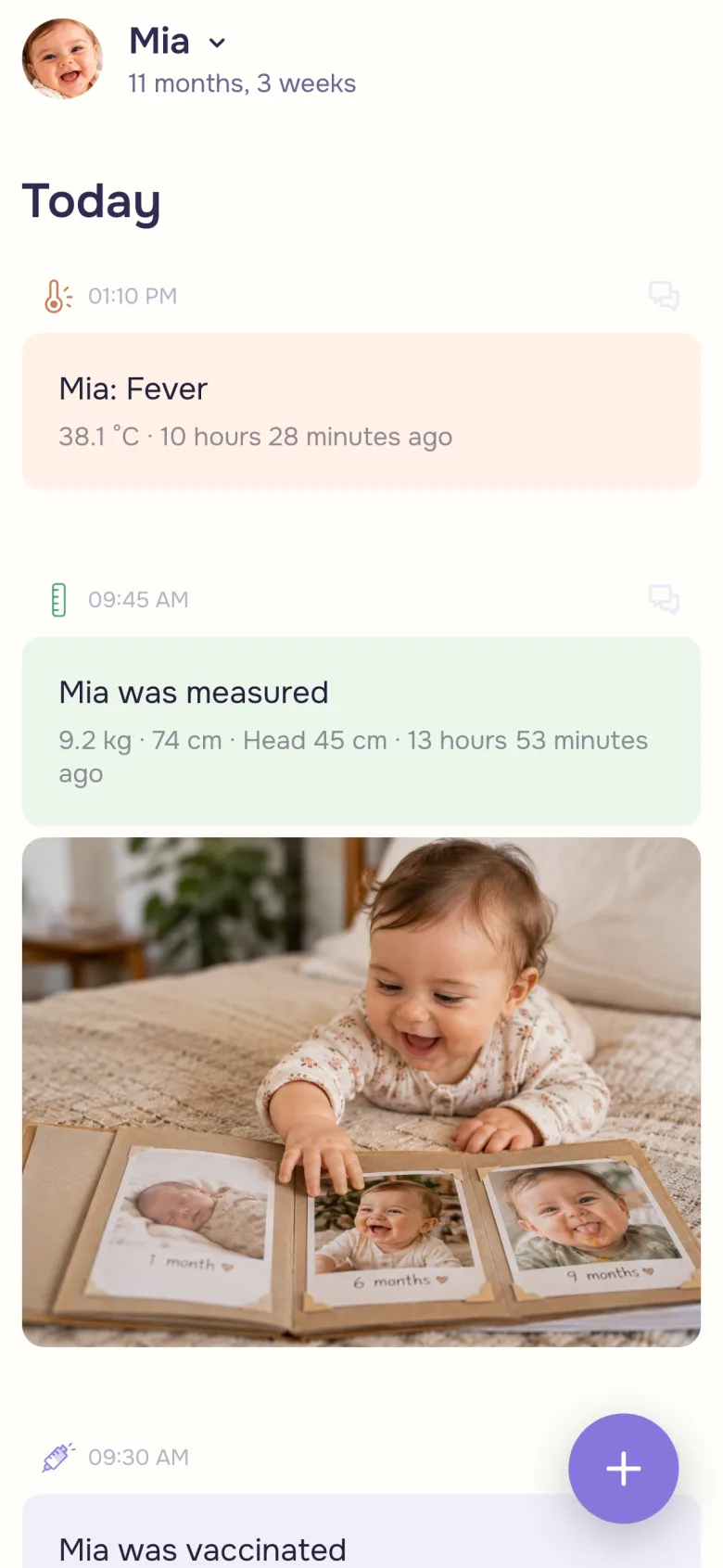
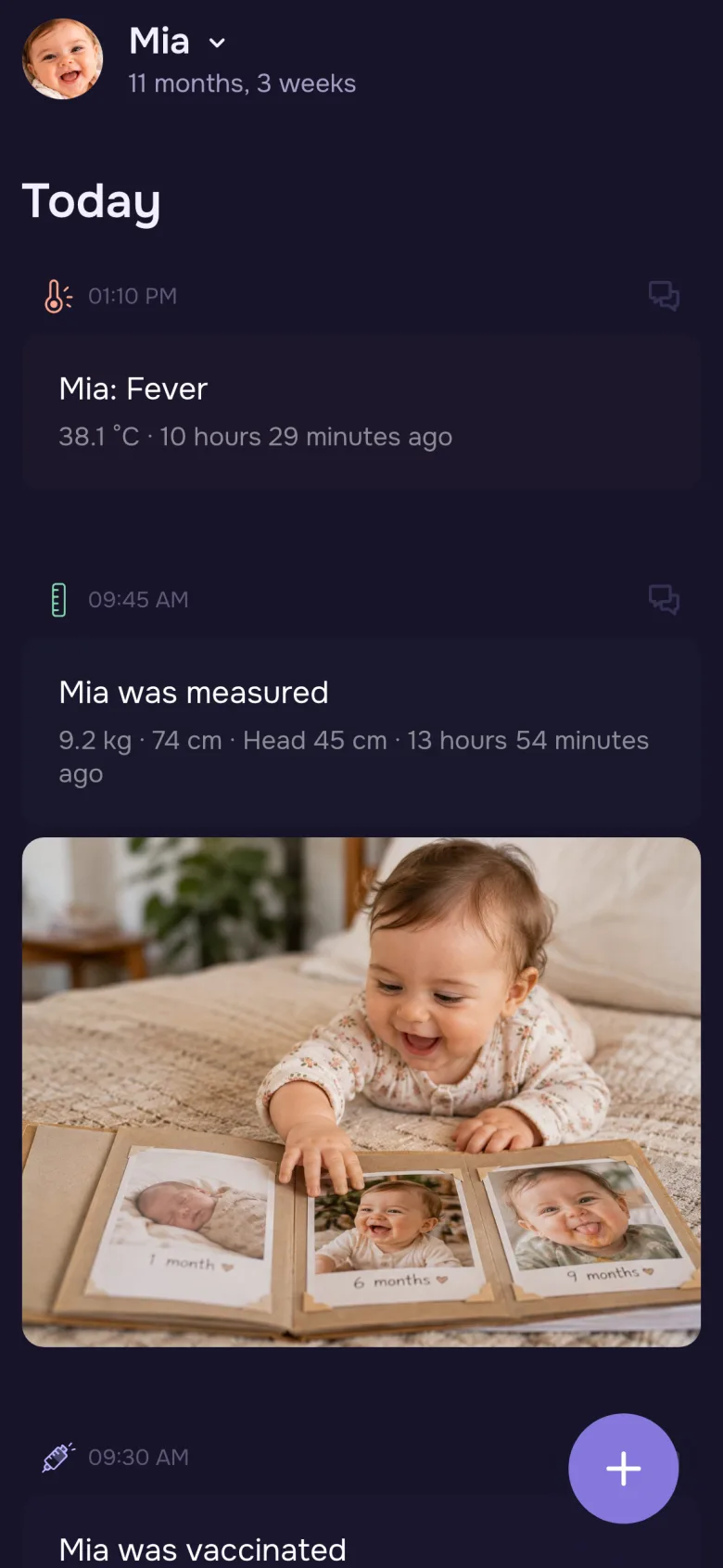
Every nap and night. Breastfeeds with each side's time and the side you began on, bottles with their volume and formula, and solids with the foods.
Diapers with a blowout, rash, color or texture you noted. Medicines, temperatures, growth and vaccines, ready for the next checkup.
Baths and other routines come over as activities, pumping as your own, and Nara's firsts and milestones as milestones. Your notes stay with each entry.
The part the export leaves out
Give the Firsts Their Photos
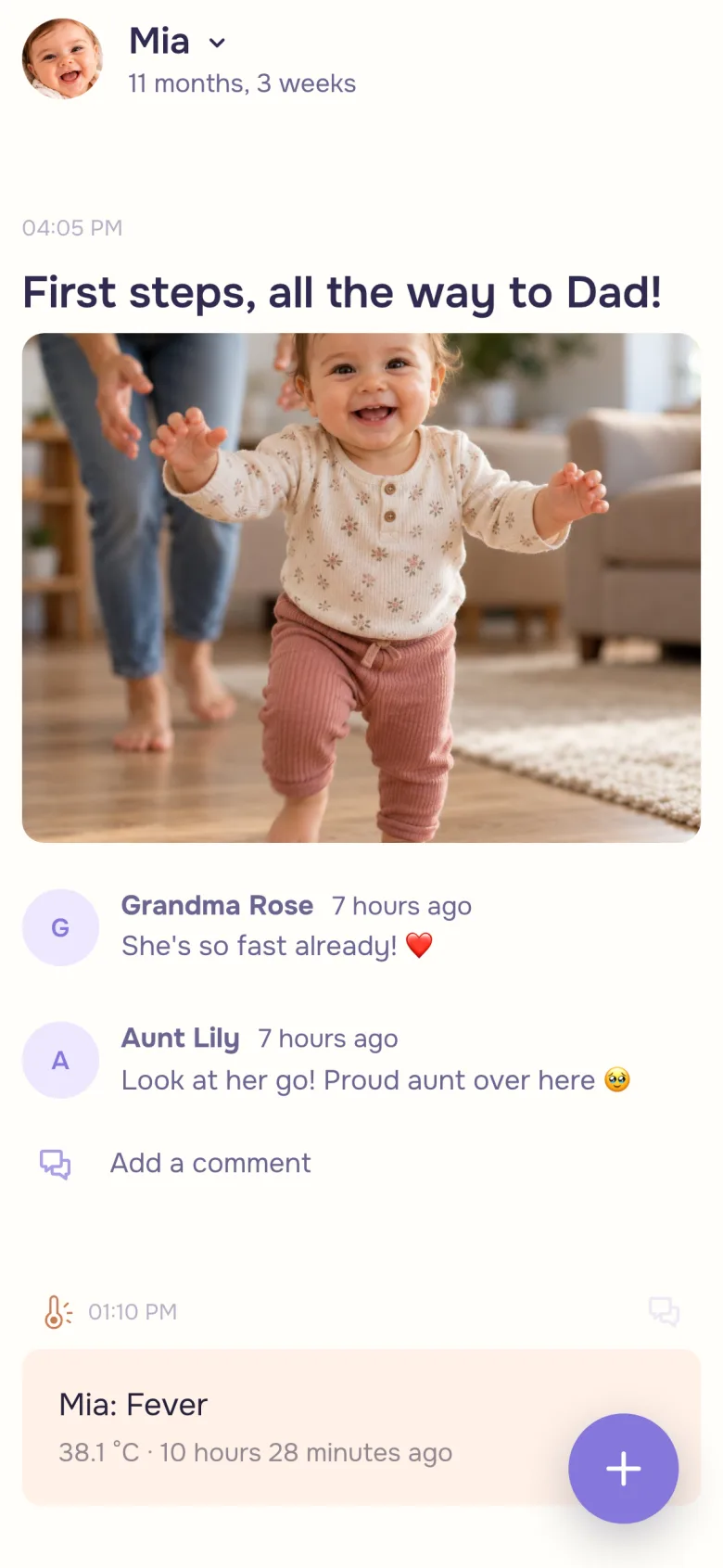
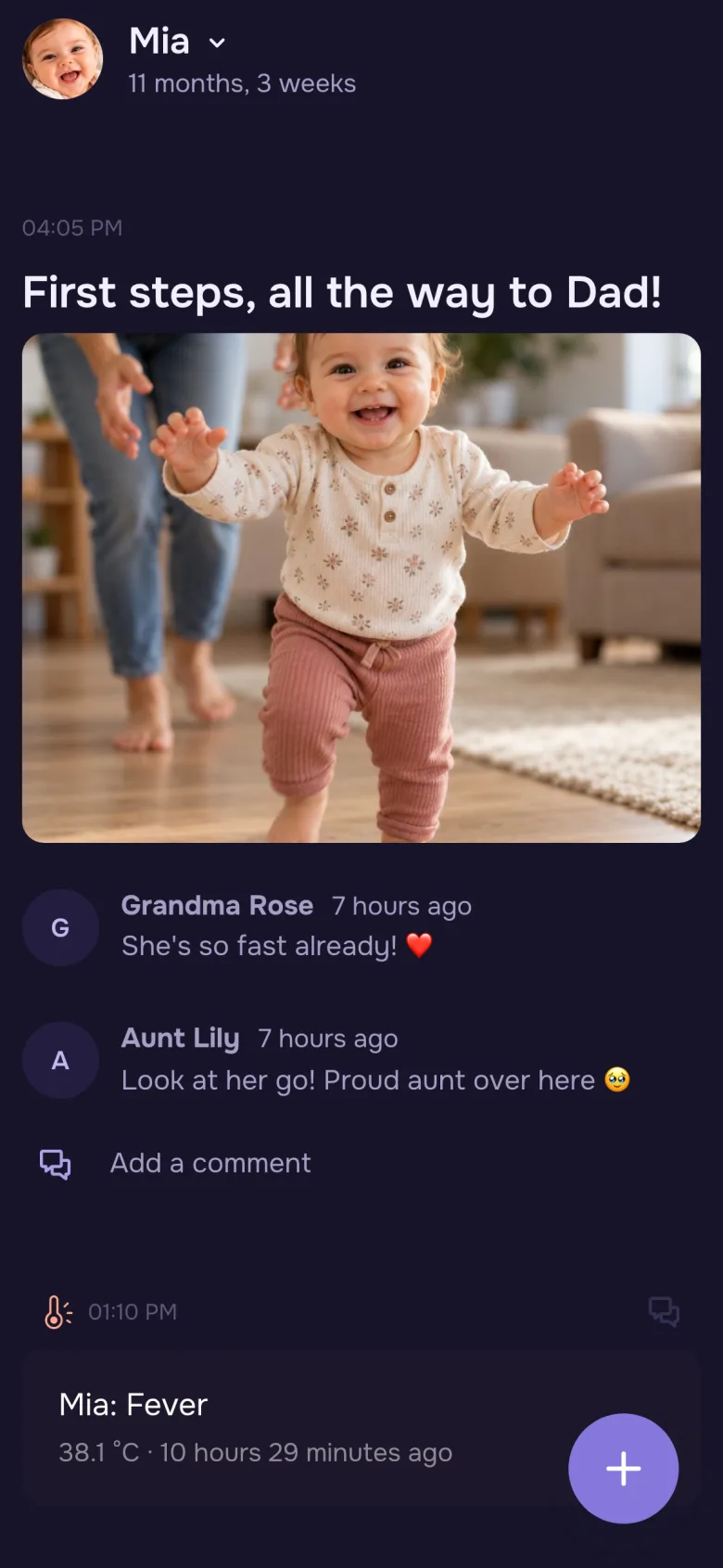
Nara's export holds entries, not photos. Add the ones you want to keep to the milestone or the day they belong to, with a line about what happened.
Grandparents can leave a comment too, in a space that shows only what you choose.
After the import
A Baby Tracker and a Baby Book, in One
Once the history is in, you don't have to choose.
Keep Logging
Start a nap or a feed with a tap and let the timer count along. The newest is on top.
Write It Together
Invite your partner as a parent. You both add to the same story and see what the other added.
Share Only the Highlights
A private space shows grandparents just the moments you choose. Viewers are free and unlimited.
Ready for the Checkup
A doctor's report puts feeds, sleep, diapers, growth and medicines day by day in one PDF, on every plan.
A gentle switch
Stop Double-Logging, in Your Own Time
For the first few days, log new entries in Cutiko and keep Nara as a reference. Keep the CSV too.
Still logging in Nara for a while? Export again later and import the new file into the same child. Only the entries Cutiko doesn't have yet are added.
Questions
Good to Know
Can I import from Nara Baby into Cutiko?
Yes. Export your child's data from Nara as a CSV, then import it on the Children page. Cutiko can add the child from the file, or bring the history into a child you've already added.
Are my photos included?
No. Nara's export holds entries only. You can add the photos you want to keep to the story yourself, on the day they belong to.
Will importing the same file twice create duplicates?
No. Importing again adds only what's new. You can also undo an import if something looks wrong.
I track more than one child. What do I do?
Export each child from Nara and import each file on its own. Every file holds one child, so each history goes into the right story.
Is Cutiko free?
Yes. The Free plan has no time limit and needs no card. Paid plans add room for more photos and videos.
Is Cutiko affiliated with Nara?
No. Cutiko is not affiliated with or endorsed by Nara. Nara Baby is a trademark of its owner.
Bring Their Story With You
Free to start. No card, no password.